How to Set a Reorder Point for Each Product in a Small Shop and Avoid Stockouts
Order too late, and a popular item may sell out before the next delivery arrives. Order too early, and cash sits on a shelf instead of helping run your shop.
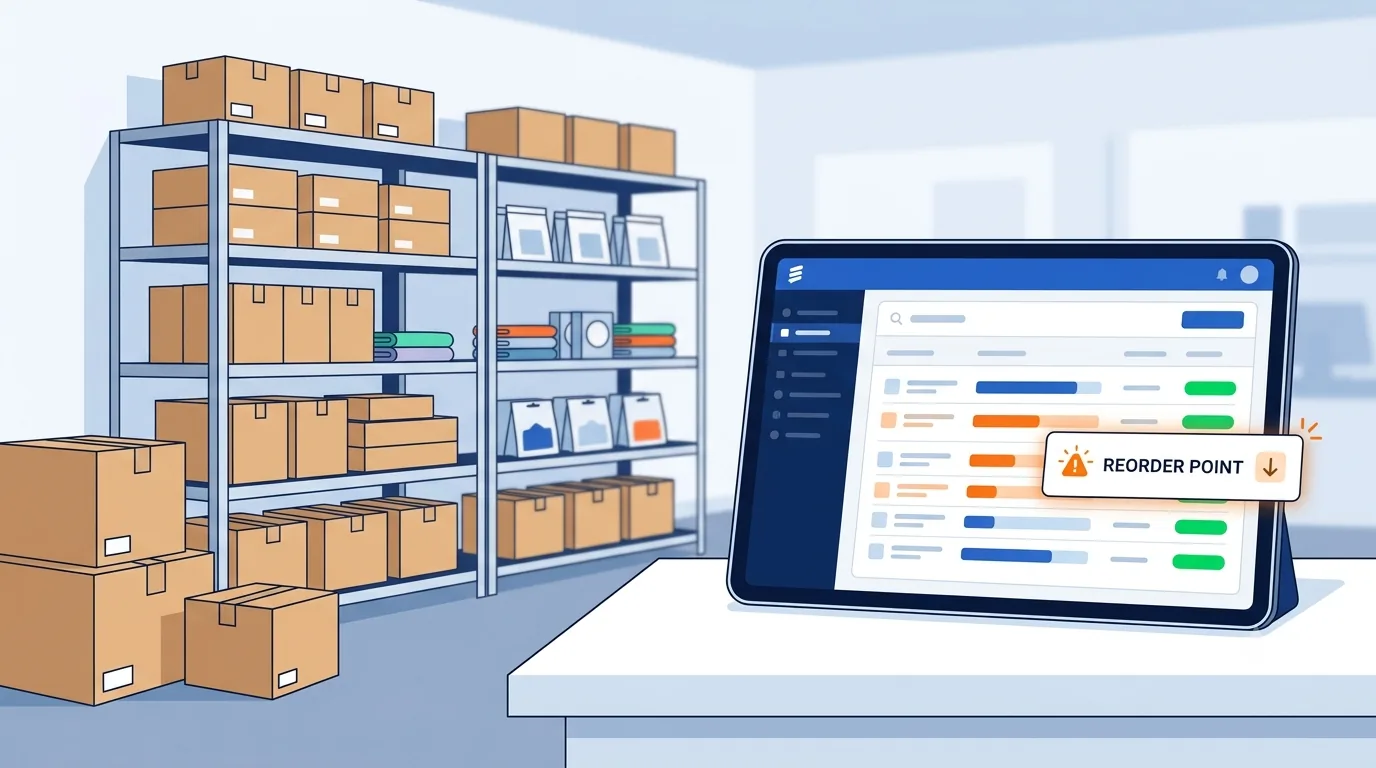
A reorder point gives each product a clear, data-based signal for when to buy more. It isn't one stock rule for the whole shop: a fast-selling item, a slow mover, and a seasonal product can each need a different threshold. Start with sales and supplier records, add a suitable safety buffer, then review the results as conditions change.
Quick answer: What is a reorder point?
A reorder point is the inventory level at which you should consider replenishing a product. A basic formula is:
Reorder Point = Average Daily Unit Sales × Supplier Lead Time + Safety Stock
The result should be calculated separately for each product or SKU because products can have different sales speeds, supplier lead times, and stockout risks.
Set a Reorder Point for Each Product in Your Shop
Know what the reorder point tells you
A reorder point, or ROP, is the inventory level that tells you it's time to place a replenishment order. It should cover the units customers are likely to buy while new stock is on its way, plus any safety stock you choose to hold.
The ROP is a trigger, not a purchase amount. When a product reaches its threshold, you check whether to order and how much to buy.
Keep the reorder point separate from order quantity
Order quantity is how many units you purchase after the trigger is reached. It may depend on case packs, minimum order rules, available cash, shelf space, and supplier terms.
A sound reorder point won't prevent overbuying if you order too many units at a time. Set and review the trigger and the purchase quantity as separate decisions.
Set a threshold for each SKU
Products move at different speeds and carry different risks. Start with items that are essential, sell steadily, or would cause problems if customers couldn't buy them. Track sizes, colors, and flavors separately if each variant has its own sales pattern.
Use your shop's own product records to make these choices. A popular size might need a higher threshold than a slower-selling size in the same style.
Related guide
How to Decide Which Products to Keep or Remove From Your StoreLearn how sales, margins, demand, and inventory data can help you make better product decisions.
Calculate a Reorder Point for Each Product With Sales and Lead-Time Data
Use the basic reorder point formula
Start with this formula:
Reorder Point = Average Daily Unit Sales × Supplier Lead Time in Days + Safety Stock
Average daily unit sales means the units sold during a chosen period divided by the number of days in that period. The first part estimates demand while you wait for stock; safety stock adds a buffer for uncertainty.
Keep the inputs in matching units. If sales are measured in units per day, lead time must be measured in days. Round a fractional result up to a whole unit so the trigger doesn't fall below the calculated need.
Example: calculating a reorder point
Suppose a shop sells an average of 8 units per day of a product. The supplier usually takes 5 days to deliver it, and the shop keeps 15 units of safety stock.
| Input | Value |
|---|---|
| Average daily sales | 8 units |
| Supplier lead time | 5 days |
| Safety stock | 15 units |
Reorder Point = (8 × 5) + 15 = 55 units
In this example, 55 units becomes the trigger. When inventory approaches or reaches that level, the shop should review its purchasing position and decide whether to replenish.
Choose a useful sales period
Pick a period that reflects typical demand, rather than a very short window that could be skewed by a few sales. Check your records for promotions, one-off bulk purchases, or unusual events before treating a spike as normal.
Returns and stockouts also affect what sales data tells you. A stockout can hide demand because customers couldn't buy the item; review stock records and missed sales, if you track them, before relying on a low sales average.
Measure actual supplier lead time
Lead time is the time from placing an order until the stock is ready to sell. Check purchase orders and receiving records to learn how long deliveries have taken in practice, rather than relying only on a supplier's estimate.
Track lead time by supplier and product when it differs. Include time spent checking in, labeling, or preparing stock if those tasks keep it off the sales floor after delivery.
Choose Safety Stock That Fits the Risk of a Stockout
Look for demand and supply swings
Sales can vary, and deliveries can arrive later than expected. Review each product's sales pattern and delivery history, and note any recurring seasonal peaks or planned promotions that affect demand.
Separate repeat patterns from one-time events. A brief sales spike shouldn't become a permanent buffer unless your records show the higher demand is likely to return.
Set a practical starting buffer
A small shop can begin with a documented buffer based on observed variation and the cost of running out. Hold more safety stock for items with unreliable deliveries or a high cost of being unavailable. Use less for slow sellers or products that tie up valuable cash and space.
Write down why you chose the buffer, such as frequent supplier delays or steady demand. That note makes it easier to review the setting when you have more sales and delivery data.
Use a formal method when your records support it
If you have reliable records, a more structured method can estimate safety stock from demand and lead-time variation. The Association for Supply Chain Management's safety-stock guidance explains how safety stock can help protect against forecast errors and changes in demand.
Statistical methods need suitable data and consistent time periods. If your records are limited, a simple buffer with a clear reason is easier to maintain than a precise-looking calculation built on weak inputs.
Build a Reorder Point Process You Can Repeat
Gather and organize product data
For each SKU, record units sold, the sales period, supplier lead time, safety stock, current stock, and open purchase orders. Use the same product IDs and units across sales, purchasing, and stock records so each number refers to the same item.
Keep a note of where each input came from, such as a sales report or receiving log. This makes errors easier to spot and gives you a clear basis for future updates.
Set alerts and check inventory position
Enter the ROP in your inventory software or set a spreadsheet alert for items at or below the threshold. Check how your system counts stock: some alerts use units on hand, while others factor in units committed to orders and stock already on order.
For a useful purchasing view, consider stock on hand, units committed to customers, and open purchase orders together. Test alerts against known product records before relying on them to guide orders.
Make purchasing reviews routine
Set a regular time to review products at or below their reorder points. Before buying, check supplier availability, case packs, cash flow, and whether an order is already in transit.
Record the trigger level, order date, quantity, and delivery date. These details will help you compare planned lead time with actual delivery and improve the next calculation.
Simplify inventory management
Keep your stock records organized with QuickGENBiz
QuickGENBiz helps small businesses manage products, stock, invoices, customer credits, and business information from one place.
Explore QuickGENBizKeep Reorder Points Accurate as Your Shop Changes
Review products based on risk
Check high-volume, high-impact, or supply-constrained products more often than stable, slow-moving items. Recalculate when sales patterns or delivery times change in a meaningful way, not after one unusual day.
Use current sales and receiving records for updates. Frequent reactions to small shifts can make thresholds jump around without improving stock control.
Plan for seasons and promotions
Use past sales records to identify recurring busy and quiet periods. If a planned promotion or seasonal event is likely to raise demand, adjust the relevant reorder point for that period.
Note when the change starts and when it should end. That reminder keeps a temporary setting from becoming an outdated permanent one.
Learn from stockouts and surplus
When an item runs out, check whether demand was understated, lead time grew, or the system missed open orders. If too much stock builds up, review the sales period, safety buffer, order quantity, and any supplier pack rules.
Use these outcomes to find which input needs attention. One problem with one product doesn't mean every product's threshold needs to change.
Related inventory guides
How to Decide Which Products to Keep or Remove From Your Store
Use sales, margins, demand, and stock data to make better product decisions.
Inventory ManagementWhat Is a SKU and How Can Small Shops Use It?
Learn how SKU codes can improve inventory accuracy and product organization.
Frequently Asked Questions About Reorder Points
What is a reorder point? ↓
A reorder point is the inventory level that triggers a review for replenishment. It generally accounts for expected demand during supplier lead time plus a safety-stock buffer.
How do you calculate a reorder point? ↓
A basic formula is: average daily unit sales multiplied by supplier lead time in days, plus safety stock. For example, 8 daily units × 5 days + 15 units of safety stock gives a reorder point of 55 units.
Should every product have the same reorder point? ↓
No. Products can have different sales rates, supplier lead times, seasonal patterns, and stockout risks. Each important SKU should have a threshold based on its own sales and supply information.
What is the difference between reorder point and reorder quantity? ↓
The reorder point tells you when to review or trigger replenishment. Reorder quantity tells you how many units to purchase. They are separate decisions and can depend on supplier minimums, case packs, cash flow, and available storage.
How much safety stock should a small shop keep? ↓
There is no single safety-stock amount that works for every product. Consider demand variation, supplier reliability, the cost of a stockout, available storage, and the amount of cash tied up in inventory. Start with a documented buffer and refine it as better records become available.
When should I review my reorder points? ↓
Review important products regularly and recalculate their thresholds when sales patterns, supplier lead times, seasons, or promotions change significantly. Stockouts and excess inventory are also useful signals that an input may need to be reviewed.
Conclusion
A reliable reorder point starts with average daily sales × actual lead time + safety stock. Calculate it for each SKU, keep the trigger separate from the order quantity, and match the buffer to the product's demand and supply risks.
Then make the process part of your regular purchasing routine. Track deliveries, stockouts, and surplus, and use those records to tune the numbers. Start with your most important products and build a system your shop can keep up to date.
Ready to organize your business?
QuickGENBiz brings invoicing, inventory, customer credits, and business insights together in one simple platform for small businesses.
Try QuickGENBiz